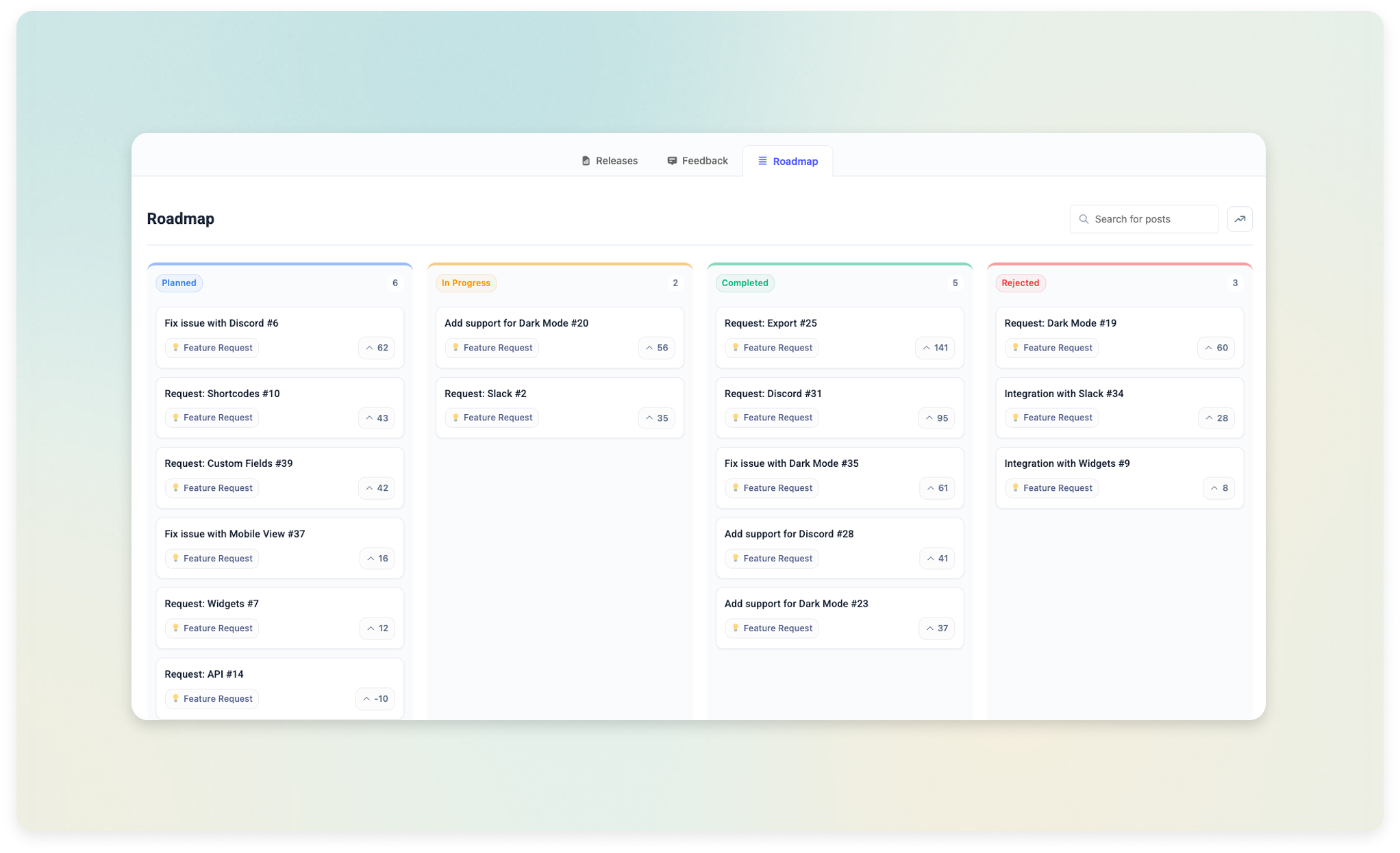







Most software teams are suffering from "Feedback Debt." It's the silent accumulation of user requests, complaints, and ideas buried in support tickets and slack channels. In 2026, the winners won't be the ones with the best ideas—they'll be the ones who can collect, curate, and act on user feedback the fastest across all their platforms.
But here's the problem: Professional feedback tools usually cost $100/month or more. They
live on subdomains (like feedback.yourbrand.com), sucking SEO authority away
from your main site. Today, we're showing you how to reclaim that authority and build a
professional, Omnichannel Feedback Hub directly in WordPress.
The "Omnichannel" Advantage: Embed Everywhere
Until now, WordPress feedback plugins were limited to your WordPress site. But with Changeloger's new Embed feature, your WordPress installation becomes the central hub for feedback collected anywhere.
What is Omnichannel Feedback? It's the ability to host your feedback board on WordPress, but embed it inside your SaaS app, your documentation site (like GitBook or EazyDocs), and even your marketing landing pages. One source of truth, infinite collection points.
By using an iframe embed, you can provide a seamless feedback experience for
your users without them ever leaving your product. This reduces friction and increases the
volume of high-quality feature requests.
Step 1: Configuring Your Feedback Central
Setting up a professional board shouldn't take hours. In the Changeloger backend, you can enable the feedback module and define your categories (Bug Reports, Feature Requests, UI Improvements) in seconds.
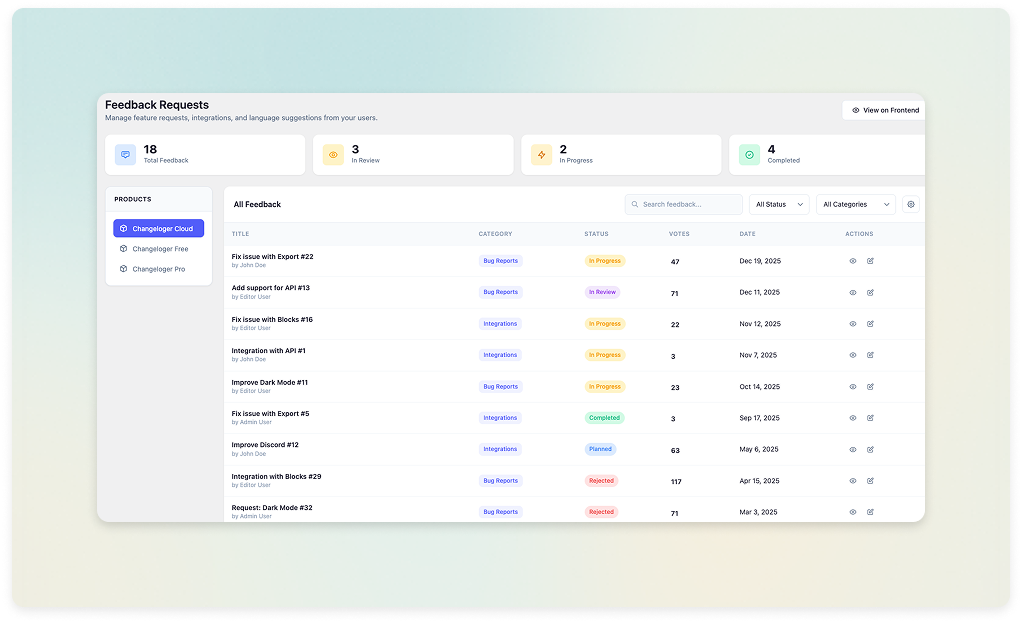
Once enabled, you have full control over who can participate. You can require Google Login for "Verified" feedback or allow guest voting for maximum participation. All these settings sync instantly with your embedded boards.
Step 2: Engaging Your Users with Interactive Voting
A static list of requests is boring. A professional board needs to feel alive. This is where Feature Voting and Nested Comments come in. When a user upvotes a feature, they shouldn't just see a number change—they should feel like they've contributed to a movement.
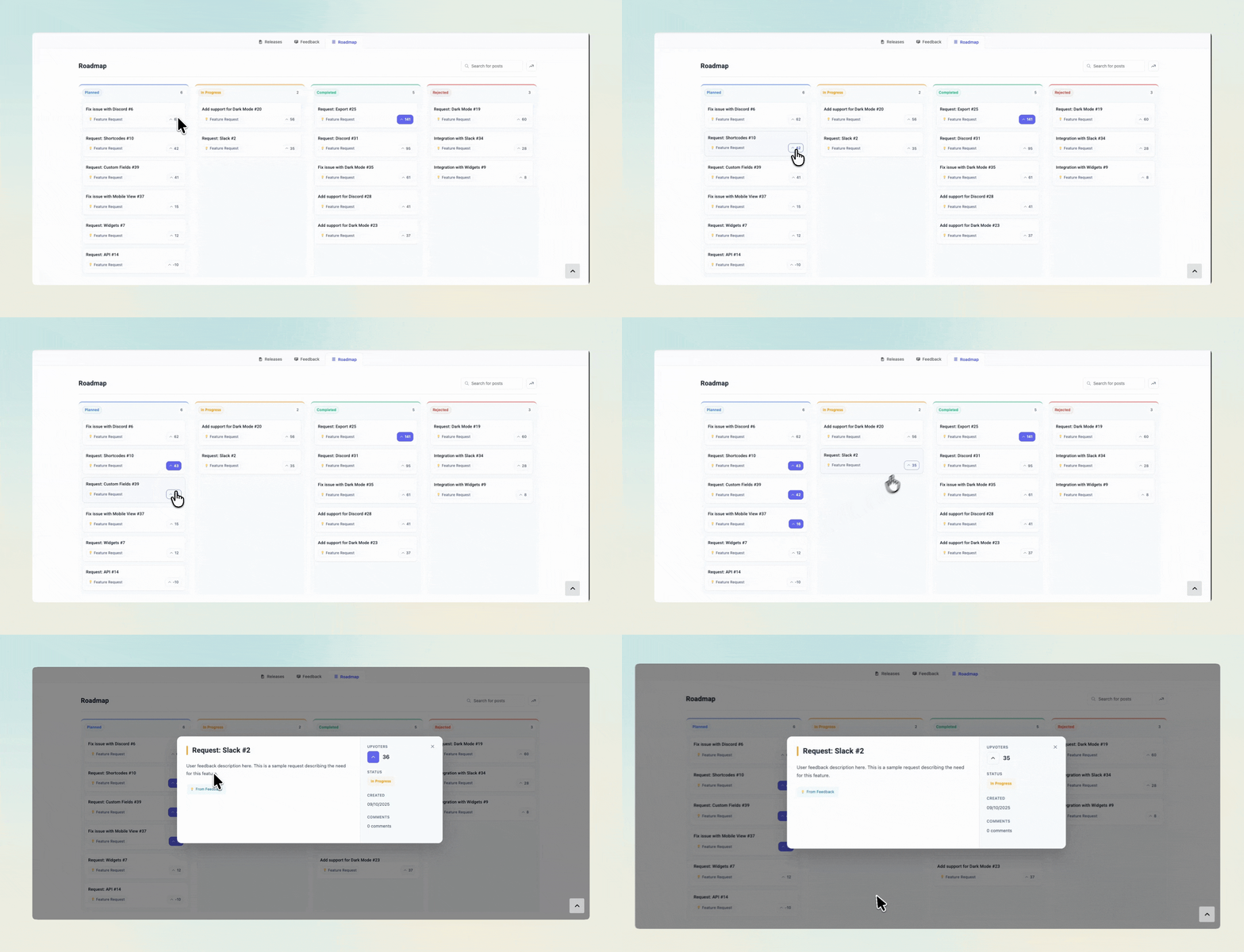
Engagement doesn't stop at a vote. Use the nested comments system to ask clarifying questions: "How would this integration fit into your current workflow?" This transforms a simple request into a deep product discovery session.
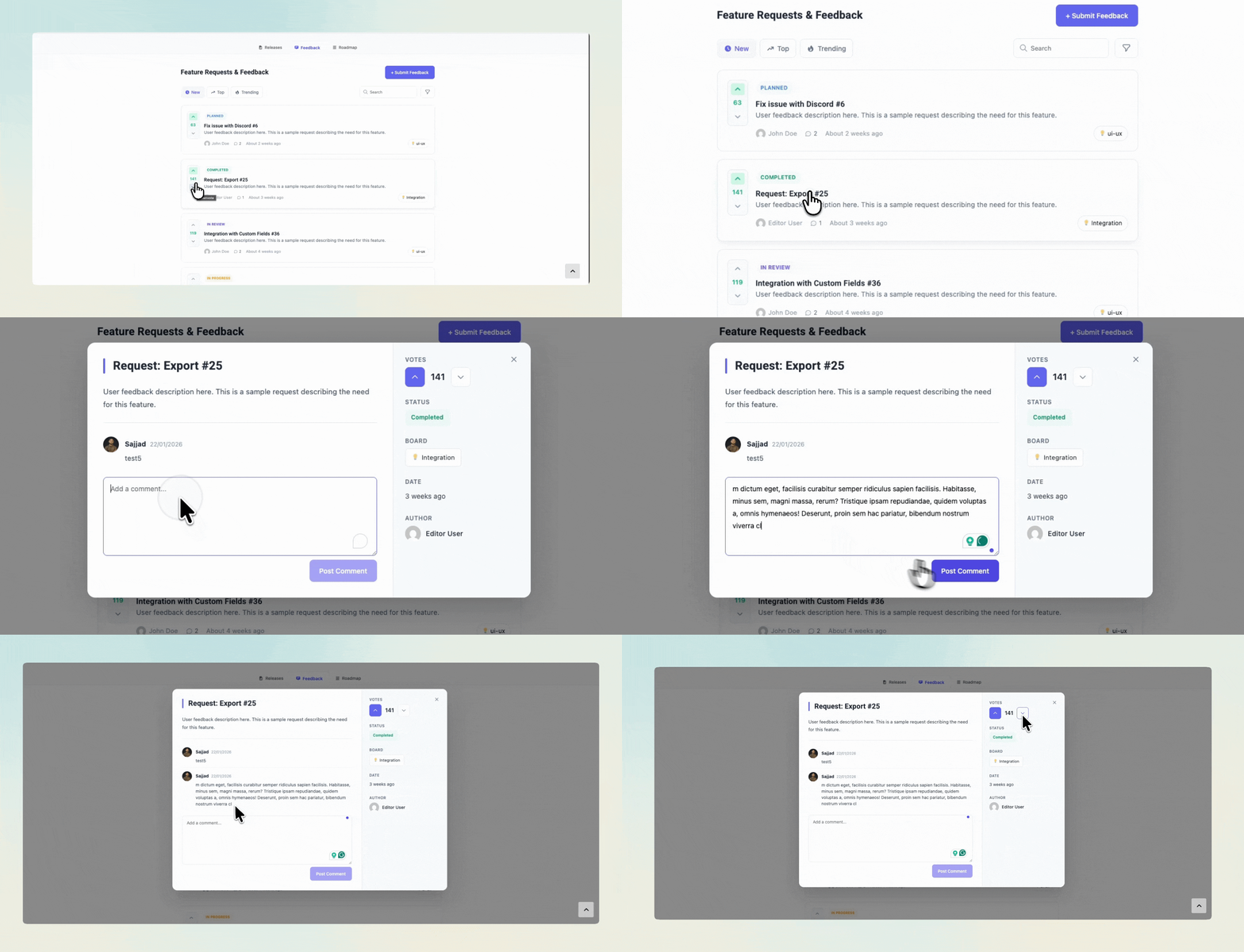
Step 3: Advanced Curation & Filtering
As your board grows, "Feedback Noise" becomes a real threat. Duplicate requests and low-value ideas can bury the gold. You need professional-grade filtering to keep your board clean and actionable.
By sorting by "Most Voted" or filtering by "Under Review," you can quickly identify the features that will drive the most growth. This curation layer is what separates a professional feedback board from a simple contact form.
Step 4: Winning the SEO Game
This is the secret weapon of the WordPress approach. External SaaS tools force you onto a subdomain. Every time a user writes a detailed feature request on Canny, they are giving Canny SEO authority, not you.
By hosting your board on yourdomain.com/feedback, every user-generated keyword,
every long-tail search query, and every backlink contributes to YOUR domain
authority. Over time, your feedback board becomes a massive organic traffic magnet.
WordPress vs. SaaS: The Comparison
| Feature | Expensive SaaS | Changeloger (WP) |
|---|---|---|
| Cost | $50 - $200 / Month | One-time / Yearly (Low) |
| SEO Benefit | Subdomain (Diluted) | Main Domain (100%) |
| Embedding | App Only | Any Site (Omnichannel) |
| Data Ownership | Hosted on their server | 100% Yours |
Final Thoughts: Reclaim Your Product Loop
Your users are talking—are you listening in the right place? Building a professional feedback board in WordPress isn't just about saving money; it's about owning your data, boosting your SEO, and engaging your users exactly where they are. With the power of Embed, the walls between your site and your product have finally come down.
Try it yourself: see our live user feedback board demo, or explore the full Changeloger feature set including visual changelogs and public roadmaps.