




In the fast-paced world of software development, silence is rarely golden. When your team works tirelessly to ship new features, squash bugs, and refine user experiences, hiding that effort behind the scenes is a missed opportunity. A public changelog isn't just a technical log; it's a strategic asset that builds trust, reduces support burden, and fuels growth.
Transparency has become the most valuable currency in 2026. Users don't just buy a tool; they buy into a journey. They want to know that the software they depend on is evolving. In this comprehensive guide, we'll dive deep into why your product needs a public changelog and how you can transform boring release notes into a stunning visual experience.
The Psychology of Transparency
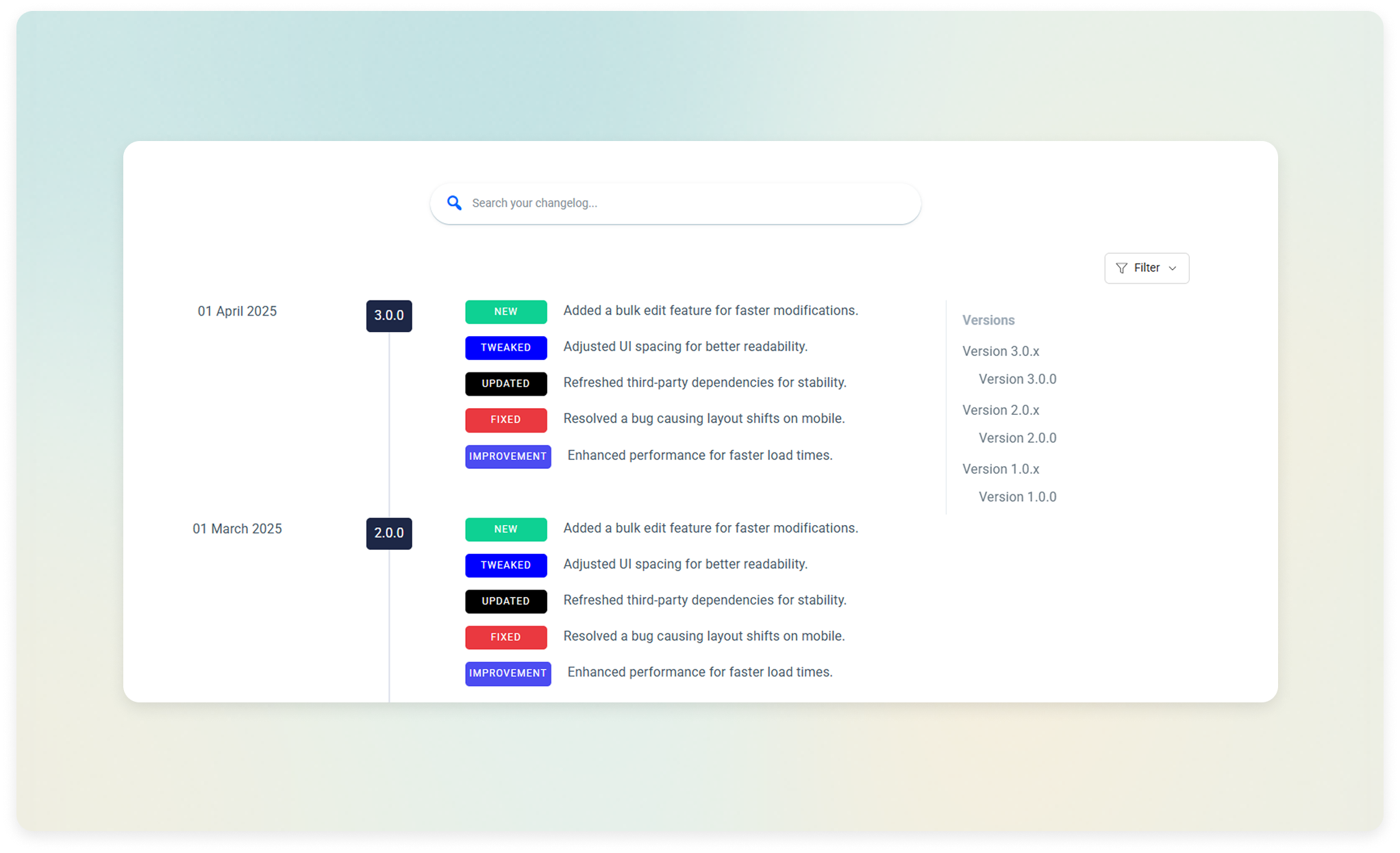
At its core, a public changelog is about Accountability. When you're open about what's changing—even when it's just a collection of bug fixes—you're telling your users that you care about the details. This transparency fosters a deep sense of psychological safety.
Imagine two products: Product A updates silently, and you only notice changes when things break. Product B provides a clear, beautiful timeline of every improvement. Which one would you trust with your business? Product B wins every time because the changelog acts as a "Proof of Life" for the development team.
The Tangible Business Benefits
1. Accelerating the Trust Loop
New visitors often look at a changelog to see if a product is "dead." If the last update was 6 months ago, they'll likely move to a competitor. A consistent, weekly, or monthly changelog signals a high-velocity team. It reduces the perceived risk of adoption for new customers.
2. Slashing Support Overhead
Support teams are often bogged down by repetitive questions like "Is the fix for the export feature out yet?" or "Does this work with WordPress 6.5?" By maintaining a searchable, public changelog, you empower users to find answers themselves. This self-service model can reduce support tickets by up to 25% for high-growth products.
3. The SEO Goldmine
Every entry in your changelog is a new opportunity for search engines to index your site. When you write about "Fixing compatibility issues with [Famous Integration]," you're naturally targeting long-tail keywords that potential users might be searching for. Over time, a public changelog builds a massive repository of relevant, keyword-rich content.
Impact Study: Companies that transition from private to public changelogs report a 12-18% increase in trial-to-paid conversion rates as users see the continuous value being added.
Common Mistakes to Avoid
While having a changelog is good, doing it poorly can actually hurt your brand. Avoid these common pitfalls:
- The "Bug Fixes" Void: Never post a release note that simply says "Bug fixes and performance improvements." It tells the user nothing and wastes an opportunity to show off your hard work.
- Too Much Tech-Speak: If your release notes look like a Git commit log (e.g., "Merged PR #452 into master"), you've lost 90% of your audience. Write for humans, not compilers.
- Inconsistency: Posting 10 updates in one week and then disappearing for two months creates a "boom and bust" cycle that makes your product look unstable.
How to Create a "Premium" Changelog Experience
A beautiful changelog isn't just about CSS; it's about the Experience Design. Here is the blueprint for a world-class changelog:
Smart Categorization
Use clear badges to help users scan the list. Classic categories include:
- NEW New Features: Major milestones and new functionality.
- IMPROVED Improvements: Enhancements to existing features.
- FIXED Fixed: Bug fixes and security patches.
Never Write Without Visuals
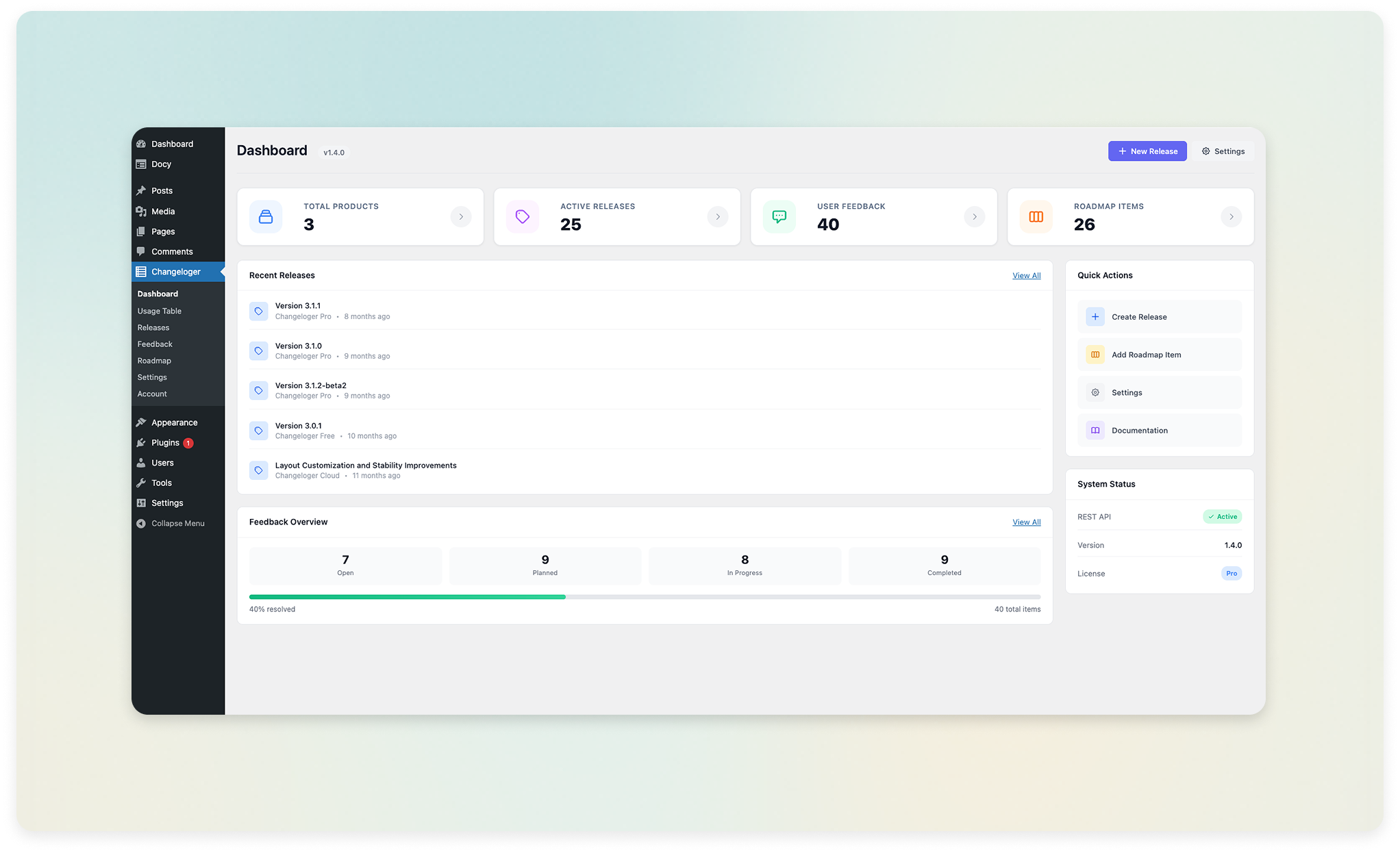
A picture is worth a thousand release notes. If you've updated the dashboard, include a screenshot. If you've added a new animation, include a GIF. Using a tool like Changeloger allows you to embed video and images directly into your timeline, making the update feel "alive."
Advanced: Turning Updates into Marketing
Don't just publish the changelog and wait for people to find it. Use these strategies to amplify your reach:
- The "Monthly Roundup" Newsletter: Take your top 3 highlights from the month and send them as a dedicated update email.
- In-App Notifications: Use a sidebar or a "What's New" beacon (available in Changeloger Pro) to notify users of changes directly while they are using your product.
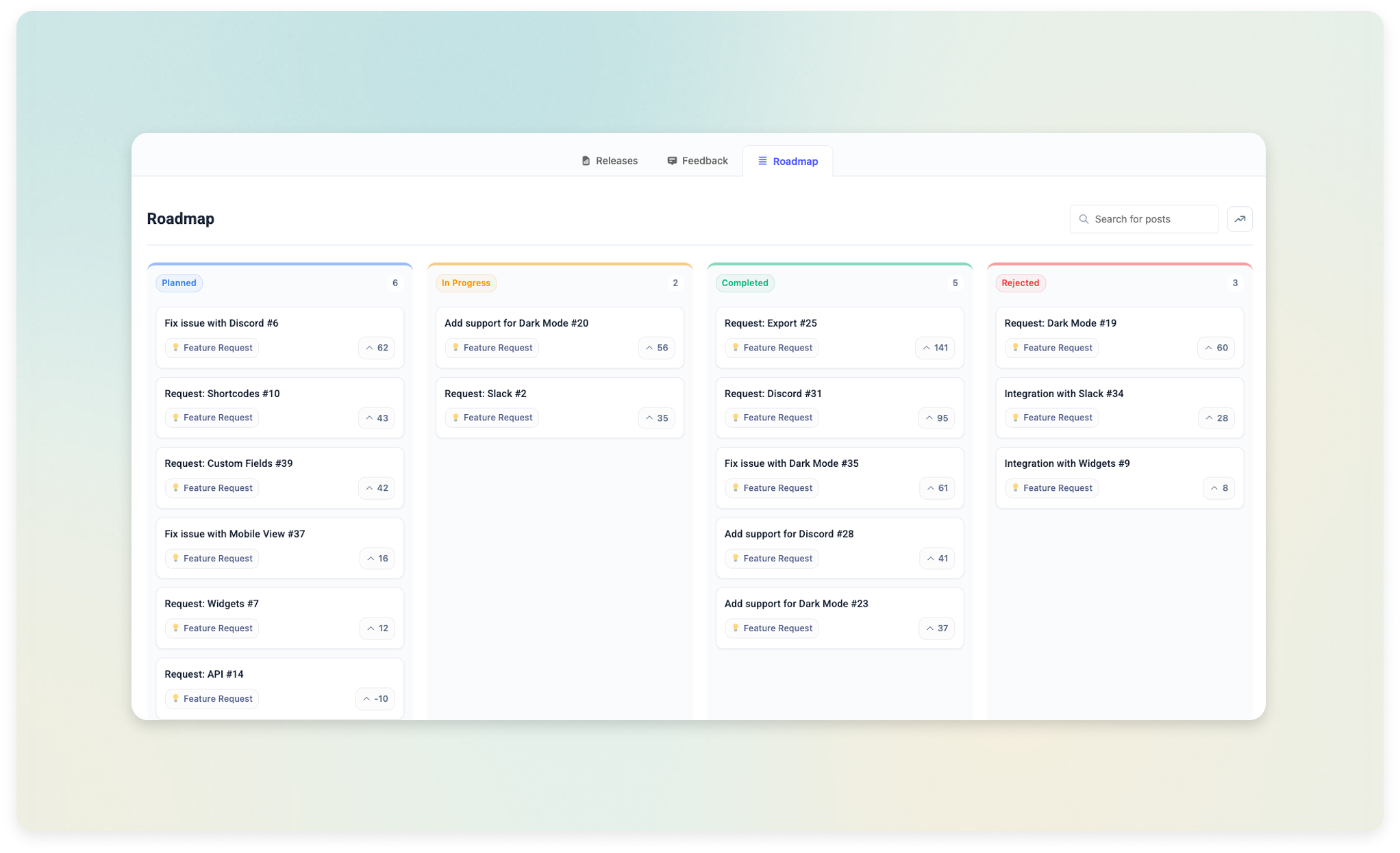
- Social Sneak Peeks: Share a screenshot of an upcoming "Roadmap" item (the companion to your changelog) on social media to build hype before the release.
Concluding Thoughts: Your Product's Pulse
At the end of the day, your changelog is the pulse of your product. It tells the story of your team’s dedication and your company's vision. By moving your product updates into the public eye—and doing so with style and clarity—you aren't just logging changes. You're building a community of informed, loyal, and excited users.
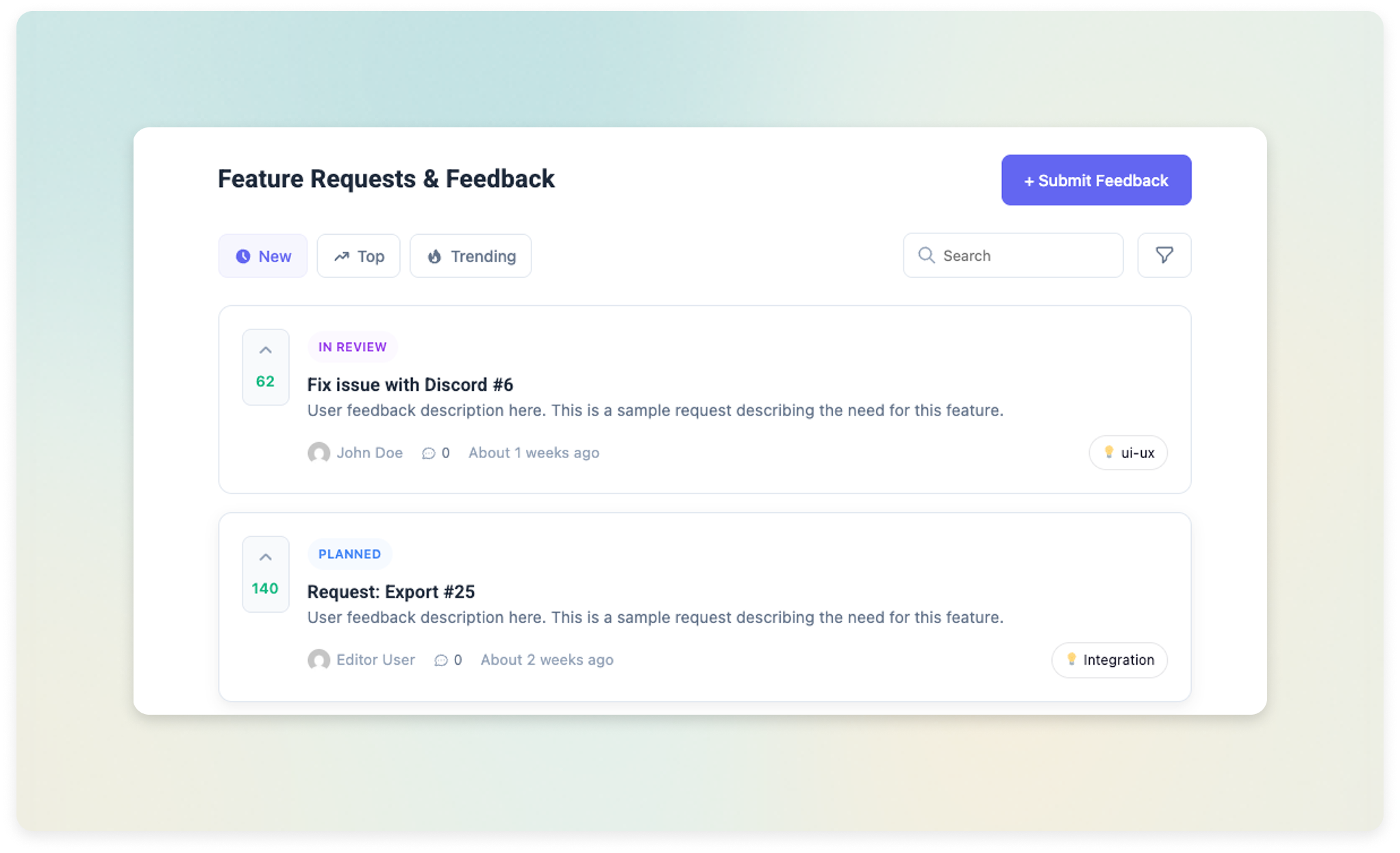
Ready to see it in action? Explore the full list of visual changelog and roadmap features, or see a live example of our public product roadmap.